
Matt Kloskowski Photo Education
Skip Lightroom
Bridge and Camera Raw Workflow
A Simple Bridge + Camera Raw Workflow for Photographers
No catalog or import
Powerful Camera Raw (ACR) Editing
Simple workflow
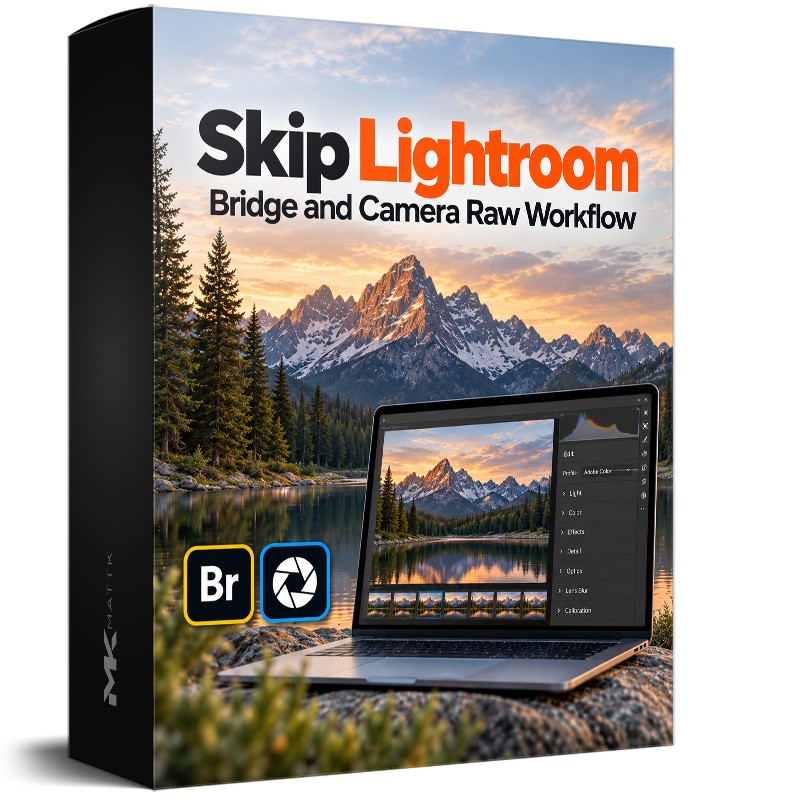
⬇️ Watch the Intro Video Below ⬇️
MAYBE YOU JUST DON’T WANT TO USE LIGHTROOM
You just want a simple way to view your photos and edit them
Maybe you’ve tried Lightroom and it’s just not what you’re looking for. You just want something simple and easy and something that’s already included in your Adobe plan so you don’t have to pay more.

THERE’S ANOTHER WAY
A SIMPLE WORKFLOW
From memory card to finished photo

YOU WON’T MISS OUT ON ANY EDITING TOOLS
Skip Lightroom.
NOT the Editing Tools.
You’re not giving up powerful editing tools.
Camera Raw gives you the same editing tools that a Lightroom photographer uses.
No better, and no worse… the edits are the same.


Light and Exposure Tools

Masking

Remove Distractions

Detail and Noise Reduction

Color Tools
GET A LOOK INSIDE
The course contains 20 lessons, in short 5 minute easy-to-follow videos.
Course length is approximately 2 hours.
Short enough that you can watch it in an afternoon, but in-depth enough that you’ll walk away feeling good about your workflow. (includes several follow along photos to practice with)
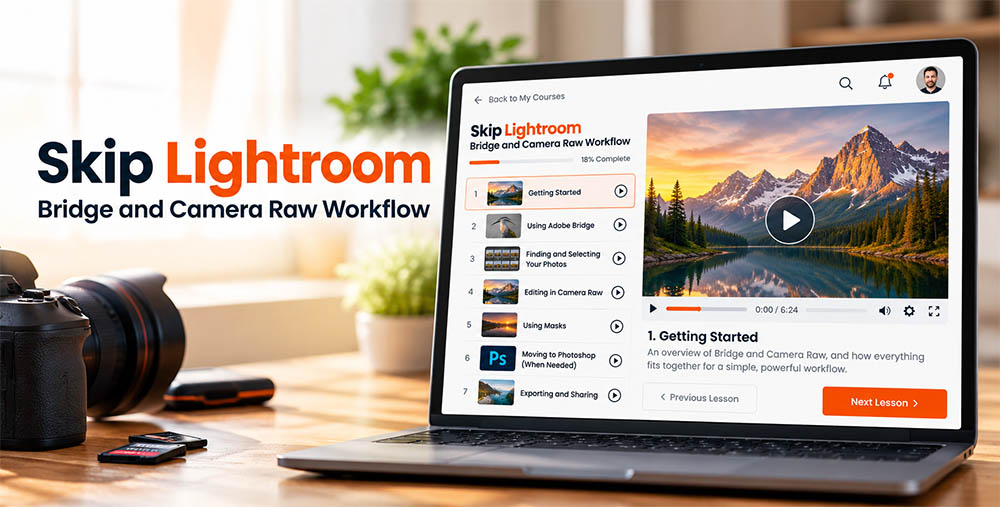
see the course outline
IT’S NOT ABOUT WHAT’S BETTER OR WORSE
IT’S ABOUT WHAT’S RIGHT FOR YOU!
Adobe Bridge is Adobe’s app that let’s you view photos in your folders.
Adobe Camera Raw (ACR) is exactly the same as Lightroom’s Edit tools.
Lightroom is a wonderful program, but it’s not the only way. And when your final photo is done, nobody will ever know what you used to view and edit your photos with.
I hear this all the time. I’ll share a photo-editing tutorial or talk about my workflow, and someone will write to me and say:
“But Matt, I don’t use Lightroom.”
And usually what they mean is they don’t want catalogs, importing, lost photos, etc… They just want to keep their photos in folders, find the ones they want, and edit them.
That’s exactly why I created this course.
Skip Lightroom: Bridge and Camera Raw Workflow shows you a simple way to organize and edit your photos using the folders you already have, Adobe Bridge to find and manage them, and Camera Raw for the actual editing.
You’re not giving up powerful editing tools. You’re just using a workflow that may make a lot more sense to you.
Matt… I don’t use Lightroom
“You’re not giving up powerful editing tools. You’re just using a workflow that may make a lot more sense to you.”
– Matt Kloskowski (The “Bridge doesn’t suck” guy) 😉

Training
(2 Hours of Workflow Training)

Access
(Desktop / Tablet / Download / Stream)

Follow Along Files
(Includes follow along images)
Purchase the Course
Pricing (50% Off this week)
Price is in US Dollars
Skip Lightroom: Bridge and Camera Raw Workflow
$99.99
$49.99
INCLUDES:
- All Course Videos
- 21 Lessons
- Follow Along Files
FAQ'S
Frequently Asked Questions
If your question isn't here, please feel free to use the Contact button at the top of the page.
No. You buy it and you own it. You can log in to your account on this site and stream it online or download the course.
This course covers Adobe Bridge and Adobe Camera Raw (also known as ACR). Both come for free as part of your subscription plan if you have Photoshop.
Nope... I never said that. Some people don't want to use either version of Lightroom so this is the natural place to go if you don't.
I do. My organization life is a complete mess which is why you never see me teach about organizing. I value getting to my favorite photos as fast as possible, and getting to the important stuff quickly (editing, so I can make the photo look great). Sometimes Bridge / ACR is the easiest way for me to do that.
It's been nearly 13 years since your version has gotten any features or updates... my guess is you already know the answer to this question.
The course works for nearly all skill levels. Beginners and intermediate users will probably get the most though. If you're an advanced user you'll probably just email me and say you could have figured all of this out.

“I’m a guy that really loves to teach!”
