
The Art of Masking
Turn Good Photos, in to Finished Photos
For Lightroom Classic, Lightroom and Camera Raw
Masking isn’t technical anymore. It’s the fastest, most creative way to shape light, guide the eye, adjust colors, and transform your photos – all in one place.
⬇️ Watch the Intro Video Below ⬇️


Training
(120 minutes of training)

Access
(Desktop / Tablet / Download / Stream)

Follow Along Files
(Includes several follow along images)
★★★★★ “I am half way thru masking course and it’s extremely helpful. You are a master at explaining things so well. Thank you!” – Gail C.
Most Edits Look Flat…
Because They Try to Edit Everything
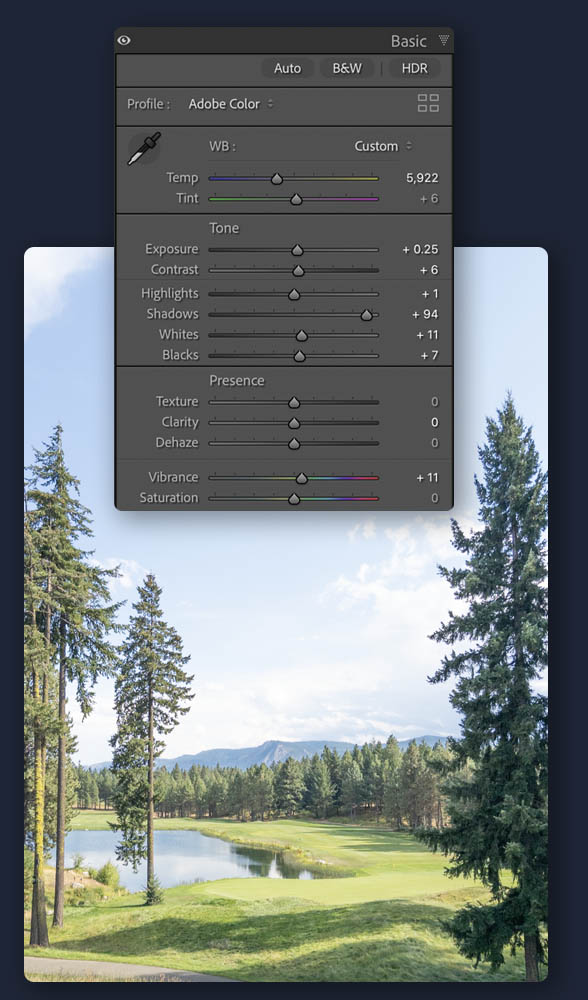
Global Adjustments Affect Everything!
This image is a great example. In order to get the tree on the right to look good, we have to adjust the Shadows too much – and the trees on the left become overly bright and fake.
Focal Point Doesn’t Stand Out Enough
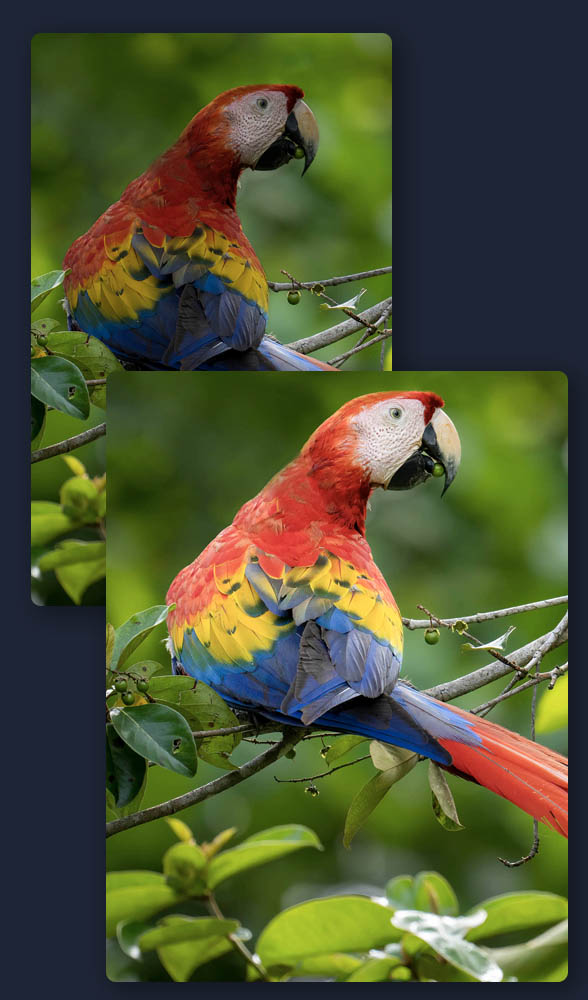
This image shows a common issue with our main subjects and focal points… sometimes they’re just dark compared to the rest of the photo. We’re usually so caught up in the moment of shooting, that we don’t notice it in the field. But we have to account for it in editing.
Global Adjustments Affect Everything!
This image is a great example. In order to get the tree on the right to look good, we have to adjust the Shadows too much – and the trees on the left become overly bright and fake.
Great Editing Is About Control
(and that Control is built right in to Lightroom and Camera Raw – NO Photoshop needed)
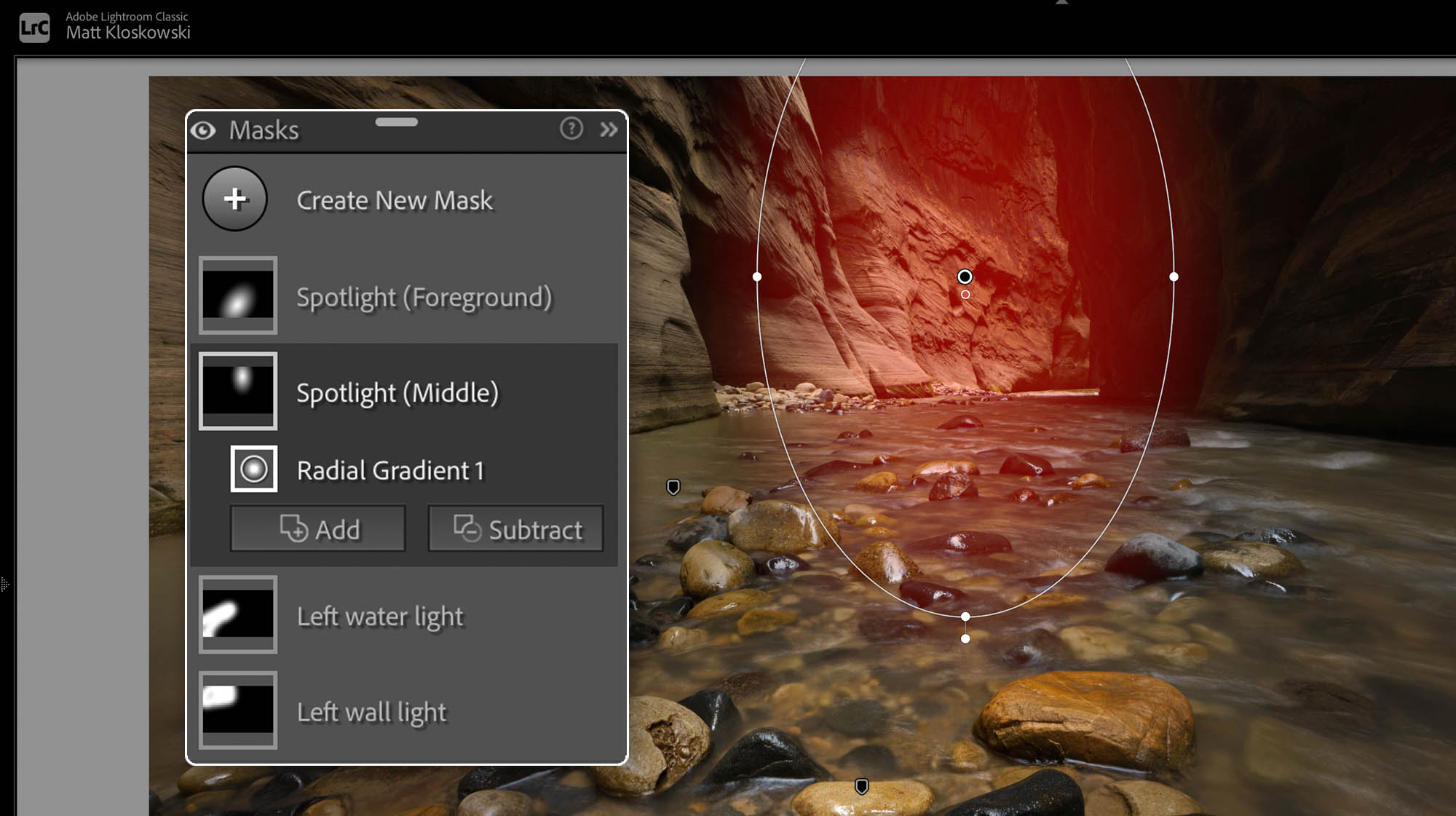
Shaping Light
The light we photograph in is one of the most important aspects of how successful our photos are. And while we can’t necessarily fake great light, we can take advantage of the light we do have.

Ultimate Color Control
No other tools give us the precise control over colors like masks do. Whether it’s adding saturation to a blah sky, making dull green grass look more lively, or removing the red from some one’s face… the masking tools are how we get targeted and precise adjustments to the colors in our photos.

Directing Attention
Directing attention is the thing I think about the most when I’m using the masking tools. We want to be able to show people exactly what we want them to see.
And on the flip side of that, we’re able to use other tools to help take attention away from areas we don’t want them to see.

Adding Depth and Contrast
I’ve always believed that at it’s core, photo editing is there to help account for camera issues (since the camera doesn’t see the scene like our eyes do) and also to help guide people to what we want them to see. Masking is how we do that, and now – with more powerful and easy-to-generate masks – we can do that better than ever.
★★★★★ “This is probably the most helpful of your many courses that I own” – Bill C.
Too Many Courses? I get it…
But I Think This Course is Different…
(Watch the Quick 3 minute video below to find out why)
See The Difference That
The Masking Mindset Creates
BEFORE / AFTERS
The Masking Mindset helps you make the masking tools work for you.
Any changes to Tone, Color and Contrast on ANY part of the photo, are done right inside of Lightroom and Camera Raw.


I’ve Spent the last 25 Years Teaching Lightroom and Photoshop…
And masking has become the largest shift I’ve seen in modern day photography editing.
This course is everything I wish people understood sooner, because it makes editing simpler and more focussed, with less tools and confusion.
Watch Online or Download
You get both options as part of your purchase. You can watch/stream the course online (always the best option), or you can download to your computer and keep forever.
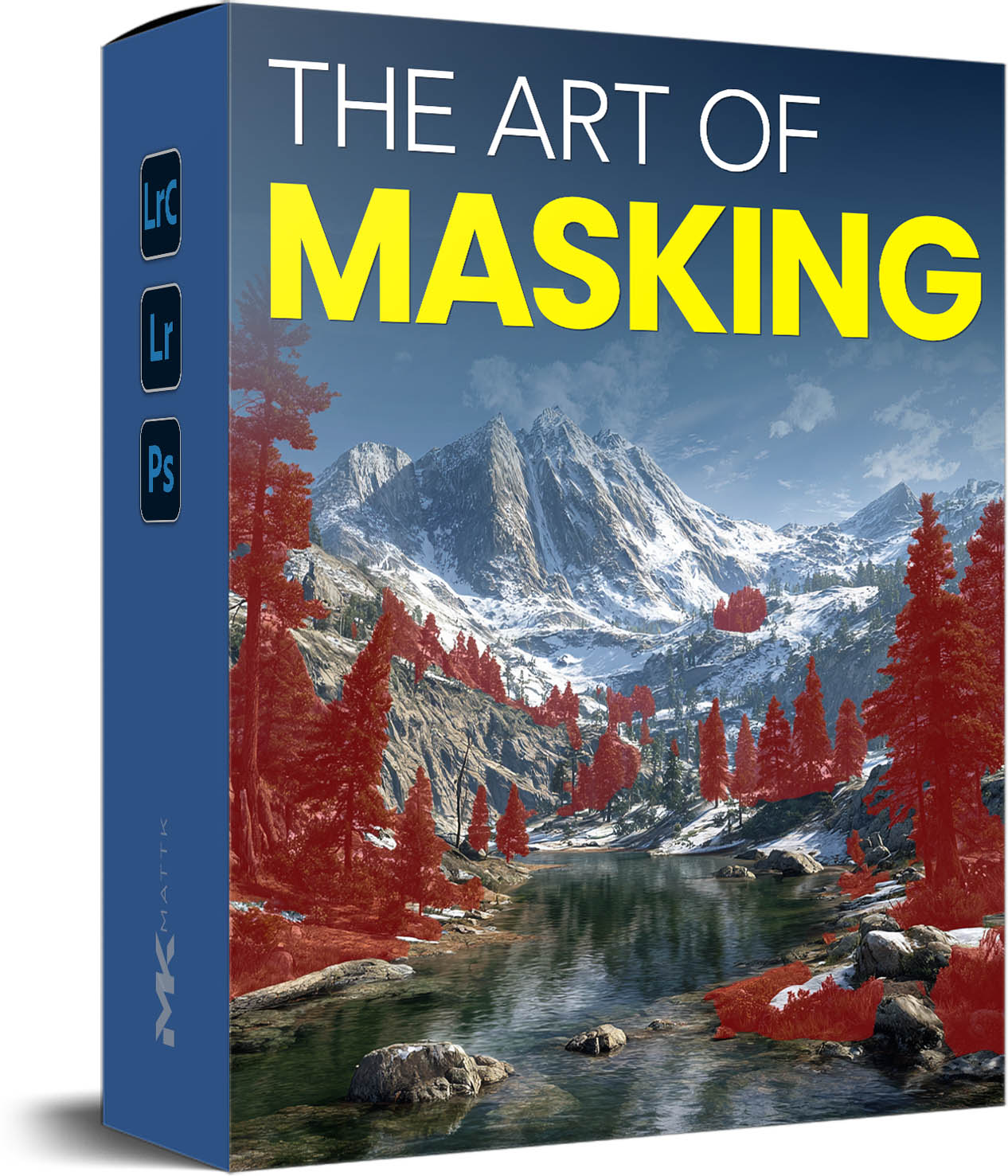
Go Premium!
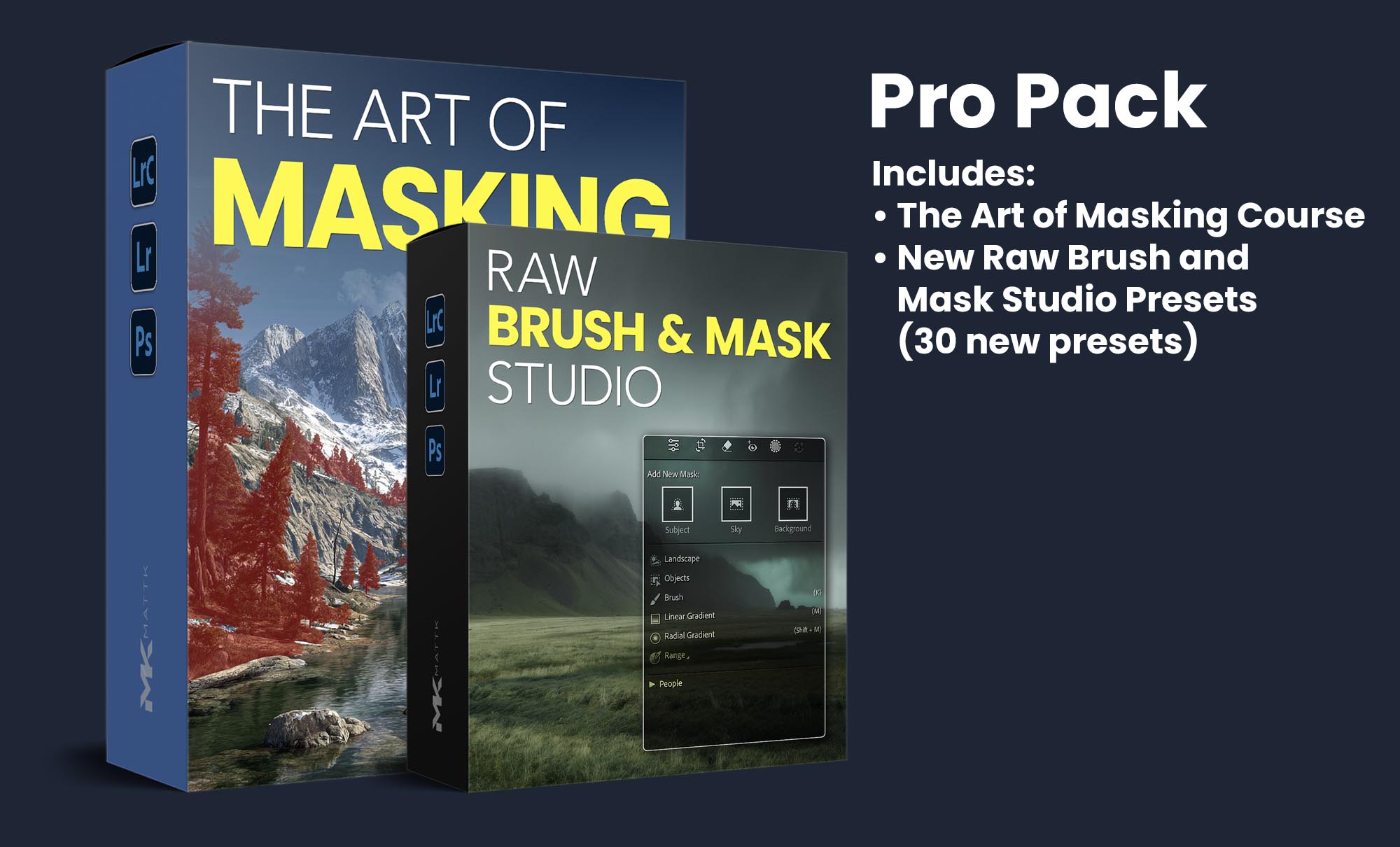
Raw Brush & Mask Studio
Not “Do it for me” Presets…
But Rather, Masking Starting Points
The Masking Studio Pack gives you that head start with
30 Landscape and Dodge/Burn Mask Presets ready to add to any mask you choose.
Doesn’t Replace Your Editing… It Enhances It
These presets don’t replace your editing like others do. They enhance it, by giving you a jump start on the adjustments for your specific mask.
Pricing

The Art of Masking
Course Only40% Off | Regular Price: $99.99
Does Not Include the Brush/Mask Studio Presets
- Full Course (2 hours)
- Follow Along Files
- Raw Brush Mask Studio (30 Mask Presets)
- BONUS PDF: Must Have Masking Tips
- BONUS PDF: Masking Mistakes that Make Your Photo Look Fake

The Art of Masking
Course + Raw Brush and Mask Studio Presets40% Off | Regular Price: $149.99
+ Includes the Raw Brush and Mask Studio (30 Raw Mask Presets)
+ Art of Masking Course (2 hours)
+ Follow Along Files
+ Raw Brush and Mask Studio which includes (30 Mask Presets)
+ BONUS PDF: Must Have Mask Tips
+ BONUS PDF: Masking Mistakes that Make Your Photo Look Fake
How I Really Use Masking
3 Mask Problems To Avoid
Frequently Asked Questions
Is this the same course as the Masking Deep Dive Course you did back in 2021?
No. The Masking Deep Dive course came out 5 years ago and is outdated at this point. This is not an update or an upgrade. This is an entirely new course.
The course is on sale during it’s launch week, so it is already discounted and no further discounts are offered.
Is this a subscription?
No. It is a one time purchase. You buy it, and you own it forever. You can download it directly to your computer or log in and stream the training videos online. You get both with your purchase.
Is This For Lightroom or Photoshop?
The presets included will work in Lightroom Classic (version 15+), Lightroom (version 9), and Photoshop (Camera Raw version 18).
The training, while created in Lightroom Classic, works exactly the same in all of the above programs and includes a video showing the similarities so regardless of which app you use, you can use these presets and training.
Will these presets and new features work on the tablet or phone version of Lightroom or Photoshop?
No they will not. The tablet and phone do not support this feature yet.
Do I need Photoshop?
No and that’s the whole point. Whether we use Lightroom Classic, Lightroom Desktop, or Camera Raw, we’re trying to limit our time in Photoshop. It adds complexity, time, file size and takes away from the non-destructive nature of how our modern editing tools are meant to work.
If you came to this page from an email I sent, you are already on my list. Please do not fill out the form below or you will get added twice. Thanks!