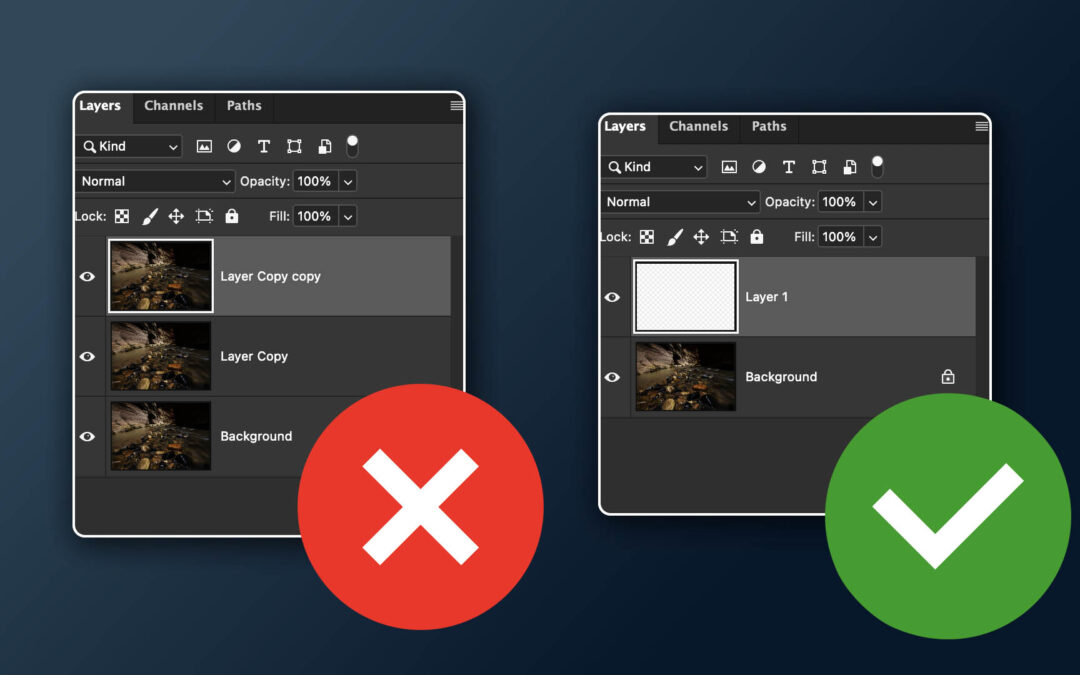
by Matt Kloskowski | Apr 17, 2026 | Lightroom, Photoshop, Tutorials
I wanted to cover a question I get often when people see me edit in Photoshop. It has to do with Layers and the idea that we’ve been taught that we always need to duplicate a layer as soon as we start working in Photoshop. Hopefully this helps clear things up....
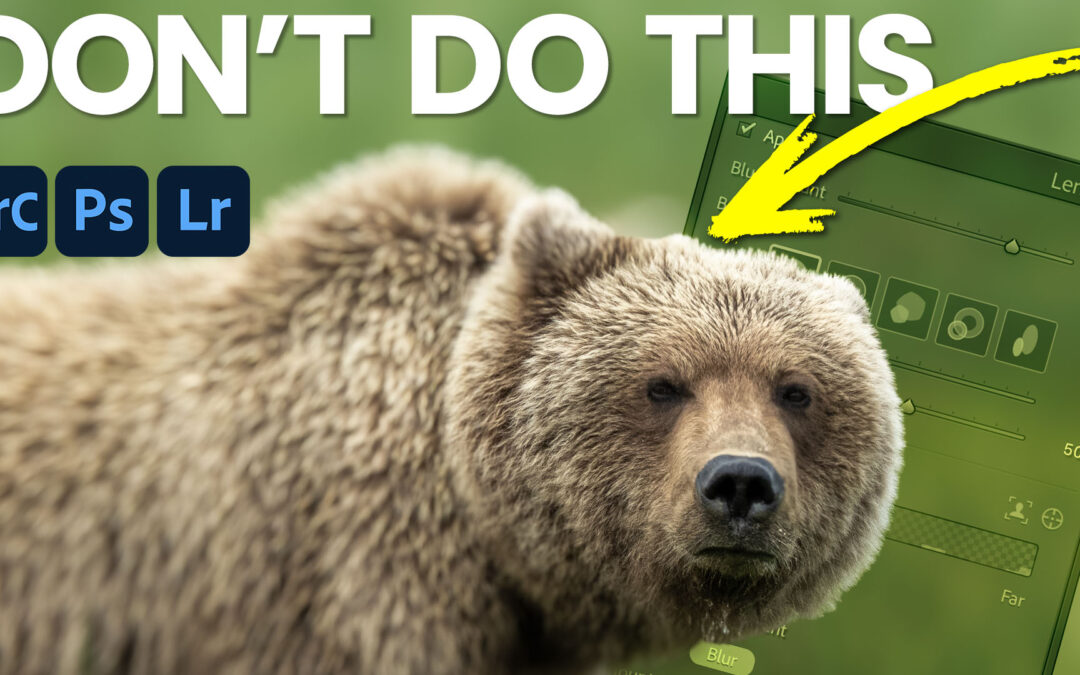
by Matt Kloskowski | Mar 19, 2026 | Lightroom, Photoshop, Tutorials
Recently, in The Portfolio Group, some one (Andrea Altherr) shared a photo for some thoughts. I had done a quick edit on it and along the way I noticed a way that the Lens Blur filter can be used without necessarily trying to blur out the background (which usually...

by Matt Kloskowski | Jan 29, 2026 | Photoshop, Tutorials
Hi everyone! Adobe just released an update to Photoshop this week. We’ve got a couple of new Adjustment Layers (Clarity/Dehaze and Grain), some new Generative Fill features as well as the Remove Tool....

by Matt Kloskowski | Jan 23, 2026 | Lightroom, Photoshop, Sony, Tutorial, Tutorials
Lately I’ve been getting a lot of questions about Noise Reduction and the software I’ve been using (and some changes to that software). So I figured I’d cover it in this week’s video. Enjoy! Click here to find out more about DxO PureRaw (Link)....

by Matt Kloskowski | Nov 20, 2025 | Lightroom, Photoshop, Tutorials
Hi all. Today I’m sharing my Free 2026 Calendar Templates. This year I’ve got four versions for you, plus 2 “All Months” templates as well. I’ve also included a video (it’s in your download) that shows some layout ideas for...
by Matt Kloskowski | Nov 14, 2025 | Lightroom, Photoshop, Tutorials
This week, my buddy Blake Rudis and I did a podcast talking about Adobe’s Generative Credits and the changes we’ve seen to them. The podcast is at this link if you’d like to list, but it is over 30 minutes so I get that not every has the time or...

 I love teaching and photography... In that order. I feel that enjoying photography, and photo editing can get WAY too complicated. So my personal mission (and favorite thing to do), is to create education that simplifies the process of taking great photos, and how to edit them to get the results you’ve always wanted.